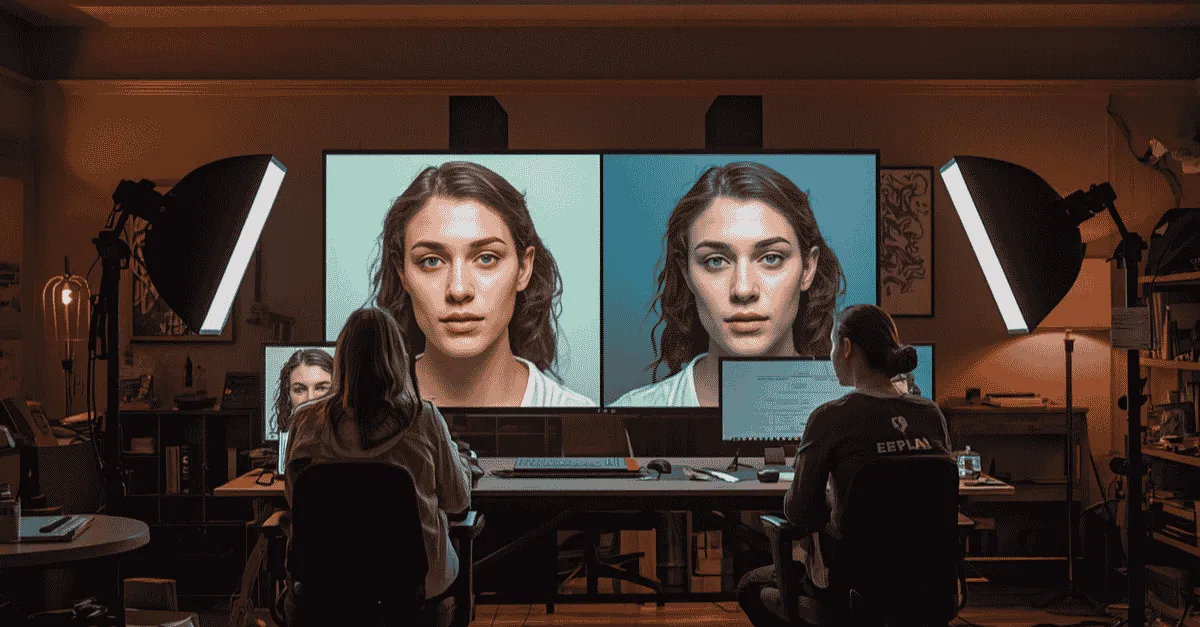
Slapping a trendy creative filter onto an uncalibrated video timeline is a fast way to turn skin tones radioactive and destroy product consistency. Before you can establish an emotional mood through color grading, you must structurally restore the baseline exposure and white balance data. Learn the critical operational differences between correction and grading, and discover exactly when your brand needs the technical precision of professional color balancing.
Color Correction Services: When to Pay a Pro
What is the difference between color grading vs color correction?
Color correction is the technical foundational process of balancing a video clip to ensure it looks completely natural and accurate to the human eye by repairing exposure, contrast, white balance, and shifting colors back to their true-to-life baseline.
Color grading is the creative overlay process performed after correction that alters the color palette to establish an emotional mood, specific atmosphere, or stylized brand aesthetic (such as a cold blue tint for an intense thriller or a warm gold tone for a luxury product).
Imagine this scenario: You invest thousands of dollars into a premium mirrorless cinema camera, rent out a professional studio space, and film a high-value campaign or podcast episode.
When you bring the raw files into your video editor, you notice that because you shot in a flat log profile (like S-Log3 or C-Log), the image looks completely washed out, grey, and low in contrast.
This is the amateur trap of modern post-production. Applying creative filters to an uncalibrated timeline completely fractures your image data, cheapens your brand's authority, and exposes a critical missing link in your production line: professional color correction services.
Many creators and e-commerce founders treat visual color as a singular, subjective task. They believe that color editing is simply a matter of taste( selecting a filter that feels "cinematic" or matches an Instagram aesthetic).
However, broadcast-quality video is governed by rigid optical engineering. Trying to execute an artistic color grade on uncorrected footage is exactly like applying an expensive layer of premium automotive paint directly over a rusted car chassis. Before you can paint, you must restore the foundation.
(This deep dive into technical color balancing is a vital operational component of our foundational guide, An Expert's Guide to Outsourcing Video Editing in 2026).
Color Grading vs. Color Correction: Dismantling the Confusion
To build a flawless content system, your marketing and creative teams must completely separate technical restoration from artistic choice. The industry-wide confusion surrounding color grading vs color correction is the number one cause of visual inconsistencies across modern brand channels.
The Science of Color Correction
Color correction is a mandatory, non-negotiable restorative step in professional post-production. Its sole objective is accuracy. When raw video data is captured on set, numerous environmental variables distort the sensor's interpretation of light.
Mismatched lighting temperatures, passing clouds changing daylight mid-scene, and minor camera white-balance miscalculations can cause whites to look yellow, blacks to look blue, and skin tones to appear sickly.
Color correction acts as a technical reset. A technician adjusts the shadows, midtones, and highlights to expand the flat data curve into a healthy, natural contrast spectrum. They realign the color channels so that pure white objects reflect absolute white on screen, ensuring that the image mirrors what a human eye would see if standing live on set.
The Art of Color Grading
Only when the visual field is perfectly normalized can color grading begin. Color grading is an optional, highly creative storytelling layer. It is where the editor intentionally shifts the color space away from reality to convey psychology, mood, and brand narrative.
For instance, a tech brand might apply a clean, high-contrast cool tint to project a sleek, futuristic aesthetic. A luxury fitness brand might push warmer tones to evoke energy, sweat, and prestige. Grading is highly powerful, but it relies entirely on the integrity of the underlying color correction. If the baseline correction is flawed, the grading filters will over-saturate broken pixels, leading to a cheap, unpolished final asset.
The Hidden Dangers of the "Slap-On LUT" Habit
The explosion of accessible editing apps and pre-packaged creator tools has birthed a destructive "slap-on LUT" culture. To understand why this approach actively damages your brand safety, we must look under the hood at what a Look-Up Table actually is.
A LUT is not an intelligent artificial intelligence tool that reads your video clip and fixes errors. It is a rigid mathematical modifier sheet. It takes a specific input value (e.g., Input Pixel Color A) and shifts it to a predetermined output value (Output Pixel Color B).
[ Raw Log Footage ] ──> [ Slap-On Creative LUT ] ──> [ Mismatched, Broken Pixels ]
▲
(No Baseline Technical Calibration Applied)
If an influencer builds a creative LUT pack using a Sony camera shot in a perfectly lit studio in Los Angeles, that mathematical modifier sheet expects those exact lighting ratios and exposure curves. If you apply that exact same LUT to footage shot on a Canon camera under overcast natural lighting in London, the math breaks completely.
The tool will aggressively distort the colors, pushing your highlights into unrecoverable overexposure and crushing your shadow details into muddy pools of black digital blocks where textural detail is permanently lost.
For direct-response marketers and e-commerce operations, this creates a major threat to brand consistency. If your video asset displays your physical product with altered color characteristics, turning a premium crimson apparel item into a cheap magenta shade on a mobile screen, you are actively misleading your consumers.
When the physical item arrives in the mail and doesn't match the ad creative, customer trust erodes, resulting in skyrocketing product return rates and tanking customer lifetime value (LTV).
3 Signs Your Content Pipeline Has Outgrown Flat Presets
If your business is scaling its video output, relying on flat presets and manual adjustments from a generalist editor will quickly create an operational ceiling. Here are three undeniable signs that your pipeline demands a specialized solution.
Sign 1: Multi-Camera Mismatch
The moment you upgrade your production to include a multi-camera setup, such as a dual-angle podcast or an interview featuring a tight shot and a wide shot, flat presets break down.
Even if you use the exact same camera model across both angles, variations in lens glass, sensor age, and physical position relative to studio lights mean the raw footage files will look completely different. Across the cuts, the visual shift is jarring to the viewer’s brain, instantly breaking engagement.
Sign 2: Environmental Exposure and Temperature Drifts
If you shoot long-form content or user-generated content (UGC) over several hours near a window, the environment changes constantly. As clouds pass or the sun dips, both your ambient light volume (exposure) and color temperature (Kelvin levels) drift wildly from clip to clip.
A generalist editor applying a blanket preset will end up with a video that changes color every time a new clip appears on the timeline.
Sign 3: Artifacting and Textural Destruction
When uncalibrated presets are pushed too far on highly compressed video formats (like 8-bit smartphone footage), the image file literally tears apart.
You will begin to notice blocky color banding in flat gradients like walls or skies, and human skin will develop digital blotches. This artifacting is an immediate sign that the image lacks proper technical color balancing.
What a Professional Video Colorist Brings to the Timeline
When you graduate from simple filters and invest in professional workflows, your footage is handled by a dedicated video colorist. A colorist is half artist and half digital scientist, operating inside highly controlled environments using specialized hardware scopes to manage color profiles mathematically.
Rather than looking at an uncalibrated computer monitor, which shifts color depending on room lighting and screen brightness, a professional colorist reads internal data visualizations:
-
Waveform Monitor: This tool maps the exact luminance (brightness) levels of the video from pure black (0 IRE) to pure white (100 IRE). A colorist uses the waveform to ensure highlights are never clipped into blank white sheets and shadows are never crushed, preserving total textural data.
-
Vectorscope: This wheel maps the exact color hue and saturation levels of the image. It tells the colorist with mathematical certainty if a color is oversaturated or bleeding into an unnatural spectrum.
-
Skin Tone Indicator Line: Inside the vectorscope sits an unbreakable technical marker called the skin tone line. Regardless of an individual's ethnicity, human blood flowing beneath skin reflects light along this exact coordinate vector. A professional colorist isolates the subject’s skin pixels and aligns them perfectly to this line, ensuring the human face looks authentic, healthy, and premium.
[ Professional Vectorscope ] ──> [ Skin Tone Line Alignment ] ──> Perfect, Natural Faces
│
(Even under aggressive creative grades)
Through this technical lens, a colorist can perform seamless shot matching at scale. They can take fifty separate video clips, shot across three different camera brands, under fluctuating lighting environments, and harmonize them so the final video looks like one continuous, natural event.
Seamless Technical Color Balancing with Editing Machine
Historically, accessing true technical calibration required working with high-end post-production boutiques that charged hundreds of dollars per hour. For fast-moving direct-response brands and daily content creators, this pricing architecture and extended turnaround time made professional color optimization economically impossible.
At Editing Machine, we have eliminated this operational barrier by building broadcast-grade color workflows directly into our standard hybrid production model. We do not treat color as an add-on luxury; we treat it as an essential baseline requirement for every asset that flows through our pipeline.
When you upload your raw footage assets through our centralized intake portal, our system immediately processes your files based on your unique Brand Profile. If your brand mandates specific hex codes or product color matching parameters, those guidelines are anchored to the editor's workspace from day one.
Our hybrid pipeline utilizes advanced technical balancing tools to instantly map log profiles to the correct Rec.709 color space, matching exposure and balance across multi-cam setups before our human specialists ever touch the creative layers.
Once the baseline technical correction is locked down, our creative editors apply your approved brand aesthetic grade, ensuring your content stands out on mobile feeds running in both Light and Dark modes.
(For a practical example of how optimized color scales click performance on video covers, see our guide on YouTube Thumbnail Strategy: It Starts in the Edit).
Centralized Quality Control
You never have to guess what your final video will look like on a mobile device. Using the native Editing Machine client portal, you can review the color drafts directly inside your browser.
If a product color looks slightly off or you want a warmer visual tone, you simply place a frame-accurate comment marker directly on the video player. Our editors receive the exact timeline coordinates, allowing them to adjust the color nodes instantly without confusing back-and-forth email chains.
In Conclusion
Color accuracy is not an optional luxury asset. It is a core metric of your brand’s operational credibility. When a user scrolls past a video with distorted skin tones, muddy shadows, and clipped highlights, their brain instantly registers the content as cheap and untrustworthy, forcing them to scroll away within the first few seconds.
Do not let lazy presets and uncalibrated influencer LUT packs compromise your visual messaging or damage your product conversions. Move away from subjective guesswork and build your content pipeline on a foundation of absolute technical precision.
Stop letting uncorrected footage cheapen your product presentation. Access professional, scalable color workflows built seamlessly into your daily post-production pipeline.Create your account with Editing Machine today, and ensure your content matches your brand's premium standards every single time.
FAQ
Q: What is the difference between color grading vs color correction? A: The main difference between color grading vs color correction is technical utility vs. creative intent. Color correction is a mandatory restorative step that fixes exposure, balances white levels, and normalizes skin tones so footage looks completely natural and accurate. Color grading is an optional artistic step performed afterward to shift color palettes, manipulate contrast, and establish a specific emotional mood or brand aesthetic. For a full breakdown of symptoms indicating your editor lacks this capability, review our checklist on [5 Signs You've Outgrown Your Current Video Editor].
Q: When should a brand invest in professional color correction services? A: A brand should utilize professional color correction services when they scale to multi-camera production setups, run high-budget paid ad campaigns, or publish content where accurate product color representation is vital for brand safety. Professional balancing eliminates shot mismatches, prevents digital noise artifacts, and maintains visual consistency across your entire video calendar.
Q: What does a professional video colorist do? A: A professional video colorist uses specialized hardware and mathematical software scopes (waveforms, vectorscopes) to normalize video files. They match disparate color profiles across different camera brands, protect human skin tones from distortion, rescue overexposed or underexposed footage elements, and map the visual timeline to ensure a completely seamless, premium narrative flow.
More from the Blog

Video Content Repurposing: The 10x Multiplier Framework
Most content creators treat repurposing as something they do when they have time, which means they almost never do it. The 10x Multiplier Framework treats it as the default production model: every recording session is planned with repurposing built in from the start, and every edited asset points toward the next format. This guide covers the full framework and the specific formats each recording type should produce.

Shopify Product Video: The Editing Checklist That Lowers Bounce Rate
Adding a video to your Shopify product page is not the same as adding a video that lowers bounce rate and increases conversion. Most product videos on Shopify are too long, start too slowly, and are not optimized for silent autoplay on mobile. This editing checklist covers every decision that separates a product video that converts from one that gets scrolled past.

Dedicated Video Editor Service: When a Subscription Beats a Full-Time Hire
Most businesses that are considering hiring a full-time video editor have not run the real numbers. When you include benefits, equipment, software licenses, desk space, and management overhead, a full-time junior editor in the US costs $65,000 to $80,000 per year in total. This guide runs the full cost comparison and identifies the output threshold at which a subscription service wins on economics.
See if Editing Machine is the right fit for your content.
Take 90 seconds to tell us about your goals, content style, and volume. We'll show you which setup fits and exactly where to start.