Amazon Product Video Editing: The 5 Formats That Actually Convert
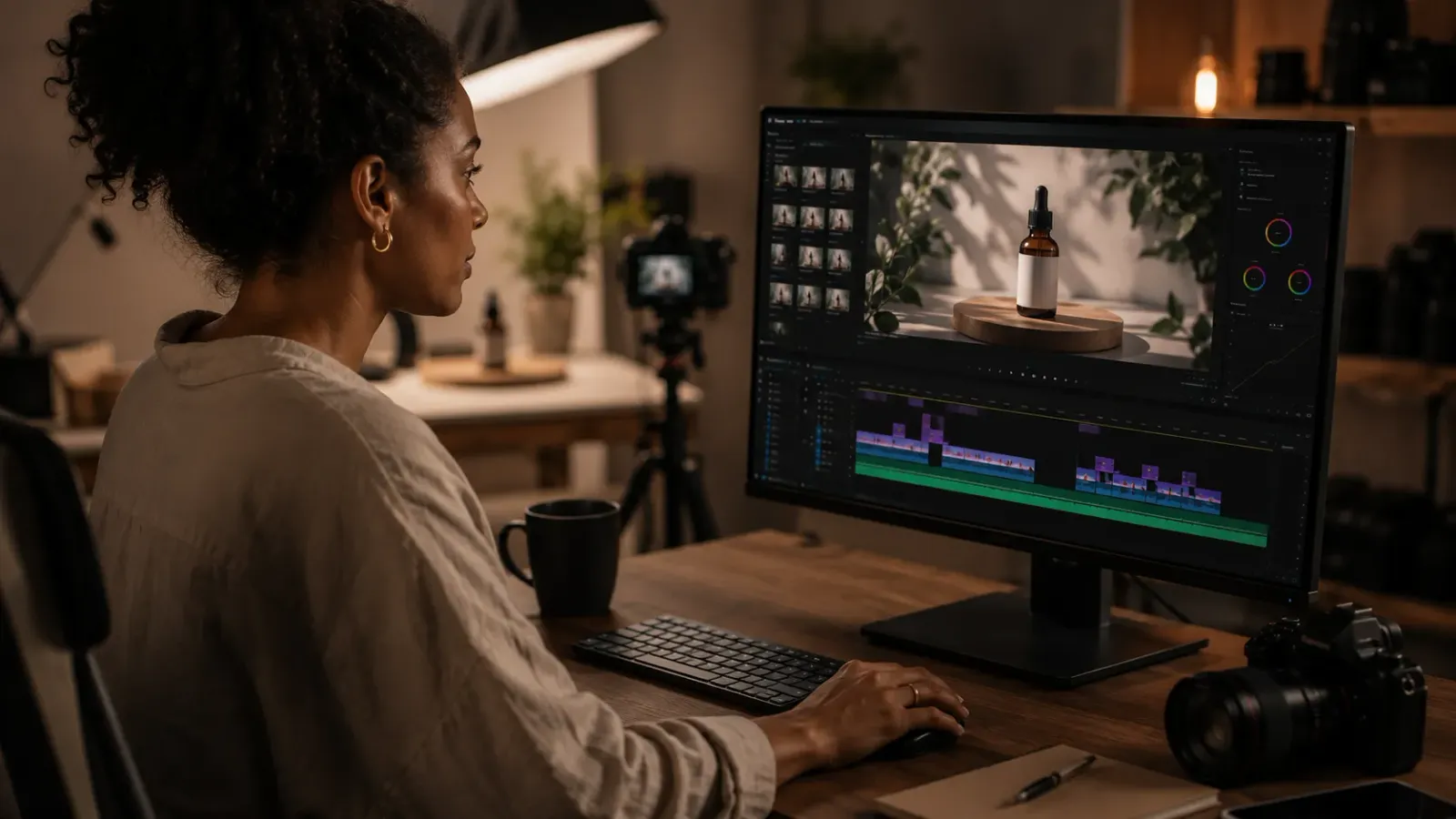
Amazon gives sellers a handful of video slots on every listing, and most brands fill them with the wrong content. This guide breaks down the five video formats that consistently move conversion rate on Amazon listings, along with the technical specs and editing requirements each one demands.
What Makes an Effective Amazon Product Video? An effective Amazon product video is short (15 to 30 seconds for the main listing slot), includes burned-in text since the video autoplays without sound, clearly demonstrates the product in use within the first few seconds, and meets Amazon's technical specs of 1080p minimum resolution in MOV or MP4 format. The five formats that consistently convert are the demo video, the lifestyle video, the comparison video, the unboxing video, and the A+ Content video.
Key Takeaways:
Sound-Off Autoplay Changes Everything: Amazon's video carousel autoplays silently. Any video relying on spoken explanation without text support will lose its core message to most viewers.
Different Slots Need Different Formats: The main image carousel video should demonstrate the product fast. A+ Content videos can run longer and tell a brand story.
Technical Specs Are Non-Negotiable: Amazon rejects videos that do not meet its format, resolution, and length requirements, so editing for spec compliance matters as much as creative quality.
The Amazon Video Slots Most Sellers Waste
Amazon gives every product listing a limited number of video slots, and most sellers either leave them empty or fill them with a single generic product spin video that does nothing to address the buyer's actual hesitation. Meanwhile, the listings consistently outperforming category averages are using their video slots deliberately, with each video format doing a specific conversion job.
This guide breaks down the five video formats worth producing for an Amazon listing, the technical requirements Amazon enforces, and the editing decisions that separate a video slot that converts from one that gets scrolled past.
Amazon Video Technical Specs (Confirm Before Editing)
Spec | Requirement |
File Format | MOV or MP4 |
Resolution | 1080p minimum |
Length | 6 seconds to 60 minutes (15 to 30 seconds recommended for main slot) |
File Size | Maximum 5GB |
Aspect Ratio | 16:9 or 1:1 depending on placement |
Always confirm current specs against Amazon's seller documentation before final export, as platform requirements are updated periodically and a video that fails spec validation will be rejected outright, wasting a production cycle.
Format 1: The Demo Video
This is the workhorse of Amazon video, designed for the main image carousel slot. It should run 15 to 30 seconds and demonstrate the product's core function as quickly and clearly as possible: open the package, show the product in use, highlight one or two key features with text overlay, and close on the product packaging.
Editing priorities here are speed and clarity over cinematic style. Every second should answer a buyer question: what does this look like, how does it work, what does it actually do. For the hook discipline that applies equally well here, see our guide on Hook Rate Optimization: Editing for the First 3 Seconds.
Format 2: The Lifestyle Video
Where the demo video shows function, the lifestyle video shows context: the product being used in a real environment by a real person, building the emotional case for purchase alongside the functional one. This format works particularly well for products where the buying decision is partly aspirational, home goods, apparel, fitness equipment, and similar categories.
Lifestyle footage shot for Amazon can often be repurposed from the same shoot used for social ad creative. Our guide on Turning 1 Shoot into 10 Ad Variations: The Remix Strategy covers exactly this kind of multi-platform asset extraction from a single production session.
Format 3: The Comparison Video
A comparison video directly addresses competitive hesitation by showing your product side by side with a generic alternative or a common pain point your product solves that competitors do not. This format is high-risk if not handled carefully (Amazon policy restricts directly naming or disparaging specific competitor brands), but a well-executed feature-versus-feature comparison without naming competitors can be highly effective at converting comparison shoppers.
Format 4: The Unboxing Video
Unboxing videos tap into the same authenticity signal that makes UGC content perform well in paid social. A genuine-feeling unboxing, even when professionally produced, reduces purchase anxiety by showing exactly what arrives and how it is packaged. This format pairs particularly well with products that have a premium packaging experience or an unboxing moment worth showcasing.
For brands already running UGC-style ad creative, the same authenticity principles apply directly to Amazon unboxing content. See our guide on UGC Video Editing for Ads: Scaling Authenticity for the editing techniques that preserve that authentic feel without looking unpolished.
Format 5: The A+ Content Video
For brand registered sellers, A+ Content modules allow longer-form video placed further down the listing page, beyond the main image carousel. This is the right slot for brand story content, more detailed feature walkthroughs, or customer testimonial compilations that would be too long for the main carousel slot.
Because A+ Content videos are viewed by buyers who have already scrolled past the initial product images, they can assume a more engaged, considering viewer and afford a slightly slower pace and longer runtime than the main carousel video.
Building a Testing System Across Formats
The brands seeing the strongest results from Amazon video are not producing one video and leaving it indefinitely. They are treating their video slots the same way they treat ad creative: as a testing surface. Swapping the lead video, testing a lifestyle-first sequence against a demo-first sequence, and tracking conversion rate impact over time.
This requires the same systematic testing discipline used in paid social creative testing. Our guide on High-Volume Creative Testing: The 2026 DTC Playbook covers the testing cadence and decision framework that applies just as well to Amazon listing video as it does to ad creative. And for a full breakdown of aspect ratios and durations across every major platform including Amazon, see our Video Ad Formats Cheat Sheet (2026 Edition).
Frequently Asked Questions
Q: What video formats does Amazon allow on product listings?
A: Amazon accepts MOV and MP4 formats, 1080p resolution minimum, between 6 seconds and 60 minutes in length, with a maximum file size of 5GB. Most effective product videos run 15 to 30 seconds for the main image carousel.
Q: How many videos can I add to an Amazon listing?
A: Amazon allows multiple videos per listing depending on your seller account type, typically up to 6 to 8 videos including the main product video, lifestyle videos, and A+ Content videos for brand registered sellers.
Q: Do Amazon product videos need captions?
A: Yes. Amazon videos autoplay without sound in the image carousel, so any video relying on spoken explanation needs burned-in text or captions to communicate key product benefits to viewers browsing with sound off.
Q: What is the difference between an Amazon product video and a UGC video?
A: An Amazon product video typically focuses on demonstrating features, dimensions, and use cases in a clean, professional style. A UGC video mimics organic customer content with a more casual, authentic feel. Top-performing listings often use both: a professional video for technical demonstration and a UGC-style video for social proof and authenticity.
Stop leaving your Amazon video slots empty or underused. Editing Machine produces demo, lifestyle, comparison, and A+ Content videos built to Amazon's exact specs, delivered fast enough to keep testing. Start Creating Now.
More from the Blog

Video Content Repurposing: The 10x Multiplier Framework
Most content creators treat repurposing as something they do when they have time, which means they almost never do it. The 10x Multiplier Framework treats it as the default production model: every recording session is planned with repurposing built in from the start, and every edited asset points toward the next format. This guide covers the full framework and the specific formats each recording type should produce.

Shopify Product Video: The Editing Checklist That Lowers Bounce Rate
Adding a video to your Shopify product page is not the same as adding a video that lowers bounce rate and increases conversion. Most product videos on Shopify are too long, start too slowly, and are not optimized for silent autoplay on mobile. This editing checklist covers every decision that separates a product video that converts from one that gets scrolled past.

Dedicated Video Editor Service: When a Subscription Beats a Full-Time Hire
Most businesses that are considering hiring a full-time video editor have not run the real numbers. When you include benefits, equipment, software licenses, desk space, and management overhead, a full-time junior editor in the US costs $65,000 to $80,000 per year in total. This guide runs the full cost comparison and identifies the output threshold at which a subscription service wins on economics.
See if Editing Machine is the right fit for your content.
Take 90 seconds to tell us about your goals, content style, and volume. We'll show you which setup fits and exactly where to start.