Video Content Repurposing: The 10x Multiplier Framework
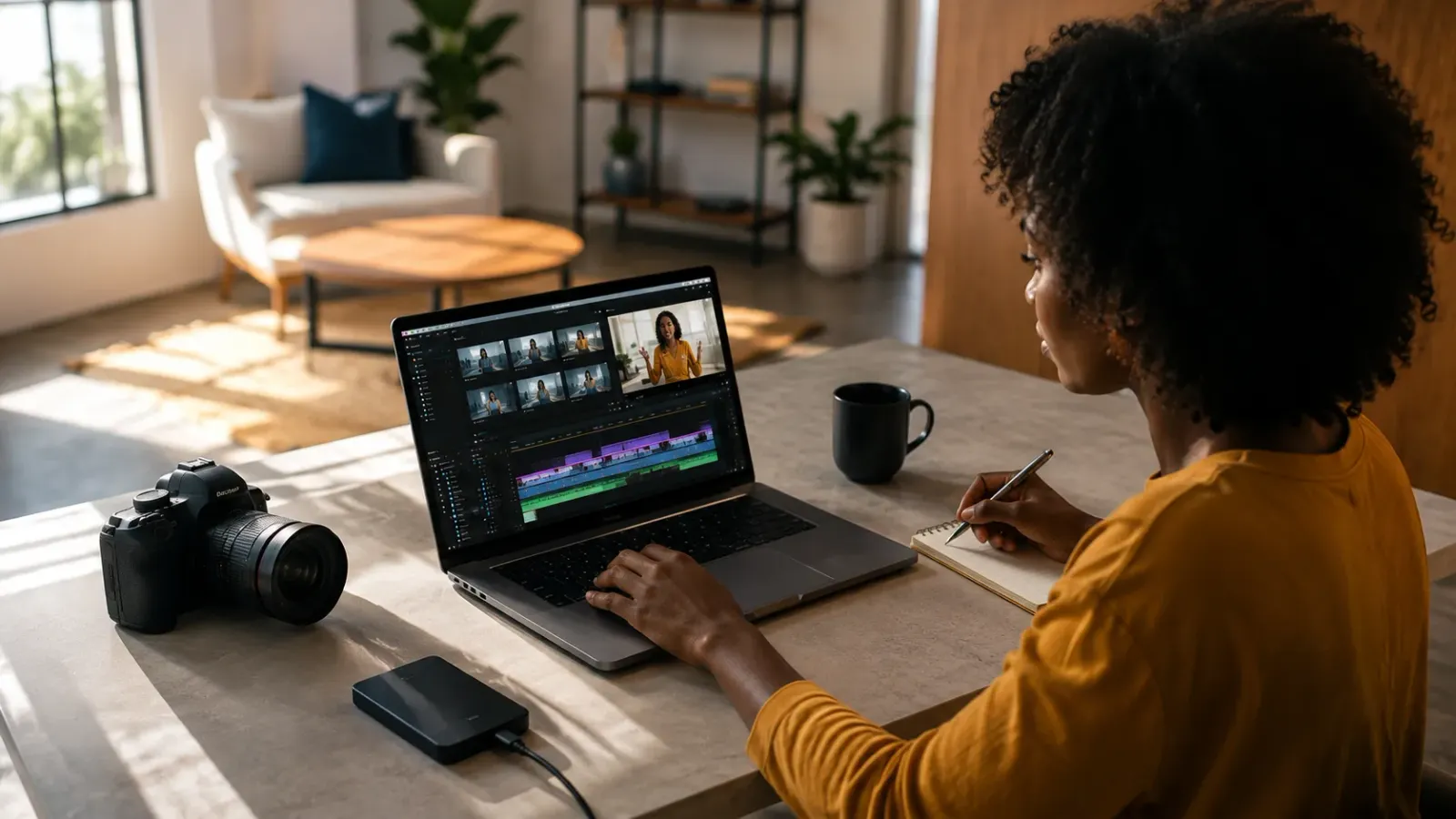
Most content creators treat repurposing as something they do when they have time, which means they almost never do it. The 10x Multiplier Framework treats it as the default production model: every recording session is planned with repurposing built in from the start, and every edited asset points toward the next format. This guide covers the full framework and the specific formats each recording type should produce.
Video Content Repurposing: The 10x Multiplier Framework
What Is the 10x Video Content Repurposing Framework? The 10x Multiplier Framework is a production model that treats every long-form video recording as source material capable of producing at least 10 distinct content assets. Instead of planning content as individual pieces, it plans content as recording sessions and then systematically extracts every usable format: a full YouTube episode, 8 to 12 short-form clips, audiograms, quote cards, email content, and podcast audio, all from one hour of source footage. The goal is to compress the ratio of filming time to published content by a factor of ten or more.
Key Takeaways:
Repurposing Must Be Built In Before Recording: Repurposing planned after the fact produces fewer assets and lower quality clips. The recording session itself should be structured to create repurposing-ready source material.
One Recording Session Is Not One Piece of Content: A one-hour interview or presentation contains a full YouTube episode, a podcast episode, 8 to 12 social clips, audiograms, and email content. Most creators publish one.
The Format Determines the Edit, Not the Other Way Around: Each destination platform requires a different edit. The 10x framework maps destination formats in advance so the editing workflow is systematic rather than ad hoc.
Why Most Repurposing Strategies Fail
Repurposing video content is one of the most discussed content strategies and one of the least consistently executed. The reason is structural, not motivational. When repurposing is treated as a post-production afterthought, something to do when time allows after the primary content is published, it competes with new content creation for the same limited production hours and almost always loses.
The 10x Multiplier Framework inverts this. Repurposing is not what you do with leftover content. It is the production model. Every recording session is planned with the full asset map in mind before filming begins, and the editing workflow extracts all formats from a single session rather than treating each format as a separate production.
Chapter 1: The 10x Asset Map
A single one-hour recording session, structured correctly, should produce all of the following:
Asset | Format | Platform | Edit Time | Notes |
Full YouTube episode | 16:9, full length | YouTube | 3 to 5 hours | Master edit |
Podcast audio export | MP3 | Spotify / Apple | 30 min | Extracted from master |
Long-form social clip (3 to 5 min) | 1:1 or 16:9 | LinkedIn, Facebook | 45 min | Best segment extracted |
Short-form clips x 8 to 12 | 9:16 vertical | Reels, Shorts, TikTok | 3 to 4 hours | 1 per clip |
Audiograms x 4 to 6 | 1:1 with waveform | LinkedIn, Twitter | 1.5 hours | Best quotes |
Email newsletter embed | Thumbnail + link | Email list | 15 min | Links to YouTube |
Quote cards x 4 to 6 | 1:1 graphic | Instagram, LinkedIn | 1 hour | Static or animated |
Blog post or article | Written | Website | 1.5 hours | Transcribed and edited |
From one hour of filming and approximately 10 to 15 hours of total editing and production time, a brand or creator has enough content for four to six weeks of consistent cross-platform posting. That ratio is what the 10x framework is built to achieve.
Chapter 2: Structuring the Recording for Repurposing
The quality of the repurposed assets is determined before filming begins. A recording that is structured with repurposing in mind produces significantly better clip material than one that is edited for repurposing after the fact.
Plan Quotable Moments in Advance
Before recording, identify three to five specific statements, insights, or arguments that are strong enough to stand alone as a short-form clip. These do not need to be scripted verbatim, but knowing in advance where the clippable moments are meant to come from means the recording naturally creates them rather than the editor having to hunt for usable content in an hour of unstructured conversation.
Use Chapter Breaks as Natural Edit Points
A recording structured around three to five clearly defined sections rather than a continuous freeform conversation gives the editor natural cut points for clip extraction. Each section transition is a potential short-form clip boundary. Naming the sections explicitly during recording, by saying the section heading aloud before starting it, makes the editor's job significantly faster because the source material self-identifies its repurposing structure.
Record the Right Setup
A talking-head recording in good light with clean audio is the most versatile source material for repurposing. It can become YouTube, Reels, audiograms, and LinkedIn clips without any re-filming. A recording with poor audio, inconsistent lighting, or a cluttered background limits the formats it can be repurposed into because the production quality constrains how it can be presented across platforms.
Chapter 3: The Editing Workflow That Extracts Everything
The 10x framework succeeds or fails at the editing workflow stage. A disorganized editing process that approaches repurposing as a series of separate projects loses the time efficiency that makes the framework worthwhile. A structured workflow that processes all formats from the same master edit captures it.
Step 1: Produce the Master Edit First
The full-length YouTube edit is produced first. This is the master timeline from which all other assets are derived. Trying to produce clips before the master edit means editing the same footage twice. Everything else comes from the master.
Step 2: Identify Clips During the Master Edit
As the editor works through the master timeline, they mark the timestamps of the best short-form moments. These are not re-watched after the fact. They are flagged in real time as the master is being built. A clip marker in the edit software at the start and end of each potential short-form moment costs seconds during the master edit and saves significant time in the clip extraction pass.
Step 3: Clip Extraction Pass
After the master is complete, each marked clip is extracted and individually formatted: recomposed to 9:16, captioned, paced appropriately for its destination platform, and given a hook overlay in the first two seconds. The clips are produced in batch rather than one at a time.
Step 4: Audiograms and Static Assets
The best four to six quote moments from the master edit are selected for audiograms and quote cards. These are the most concise, quotable, and emotionally resonant statements in the recording, not necessarily the same clips chosen for the short-form video cuts.
Chapter 4: Platform-Specific Repurposing Guides
Each specific recording type has its own repurposing workflow with format-specific editing requirements. For detailed guides on the most common recording types:
● Zoom calls and webinars: See our guide on
Repurposing Zoom Calls: Turn 1 Hour into 1 Month of Content.
● Podcast recordings: See our guide on
Podcast Video Editing: Turning an Audio Show into a Visual Content Engine.
● Webinar to YouTube: See our guide on
Webinar to YouTube: The Evergreen Traffic Engine.
● Live events and conferences: See our guide on
From Live to Evergreen: The Webinar to Video Pipeline.
For coaches and consultants building a sustainable content operation around this framework, see our guide on The No-Burnout Content Workflow for High-Ticket Coaches, which covers how to integrate the 10x repurposing model into a weekly content rhythm that does not require filming new material every week.
Frequently Asked Questions
Q: What is video content repurposing?
A: Video content repurposing is the process of taking one original video recording and editing it into multiple distinct content assets for different platforms. A single one-hour recording can produce a full YouTube episode, 8 to 12 short-form clips, audiograms, quote cards, a podcast episode, and email content, all from the same source material.
Q: What is the 10x content repurposing framework?
A: The 10x framework treats every long-form video recording as source material capable of producing at least 10 distinct content assets. Rather than planning content as individual pieces, it plans content as a single recording session and then systematically extracts every usable format from the resulting footage.
Q: Which platforms benefit most from repurposed video content?
A: YouTube benefits from full-length recordings and edited episode versions. Instagram Reels and YouTube Shorts benefit from 30 to 90-second clips. LinkedIn benefits from audiograms, talking-head clips, and quote cards. Email newsletters benefit from embedded thumbnail links to the full video.
Q: How long does video repurposing take?
A: A skilled editor working from a clear brief typically produces all repurposed assets from a one-hour recording in 6 to 10 hours of total editing time. With a subscription editing service and a documented workflow, this can be compressed to 24 to 48 hours total turnaround.
One recording session. Ten pieces of content. Delivered in 24 to 48 hours. Editing Machine handles the full repurposing workflow: master edit, short-form clips, audiograms, and multi-platform formatting from a single upload. Start Creating Now.
More from the Blog
Shopify Product Video: The Editing Checklist That Lowers Bounce Rate
Adding a video to your Shopify product page is not the same as adding a video that lowers bounce rate and increases conversion. Most product videos on Shopify are too long, start too slowly, and are not optimized for silent autoplay on mobile. This editing checklist covers every decision that separates a product video that converts from one that gets scrolled past.
Dedicated Video Editor Service: When a Subscription Beats a Full-Time Hire
Most businesses that are considering hiring a full-time video editor have not run the real numbers. When you include benefits, equipment, software licenses, desk space, and management overhead, a full-time junior editor in the US costs $65,000 to $80,000 per year in total. This guide runs the full cost comparison and identifies the output threshold at which a subscription service wins on economics.
TikTok Ad Creative: What the Top 1% Look Like in the Edit
The single most common mistake in TikTok ad creative is making it look like an ad. Over-produced visuals, logo animations, and clean brand voice immediately signal advertising to a platform audience trained to scroll past exactly that. This guide breaks down the editing decisions that make the difference between a TikTok ad that converts and one that gets scrolled past in under a second.
See if Editing Machine is the right fit for your content.
Take 90 seconds to tell us about your goals, content style, and volume. We'll show you which setup fits and exactly where to start.