Podcast Video Editing: Turning an Audio Show into a Visual Content Engine
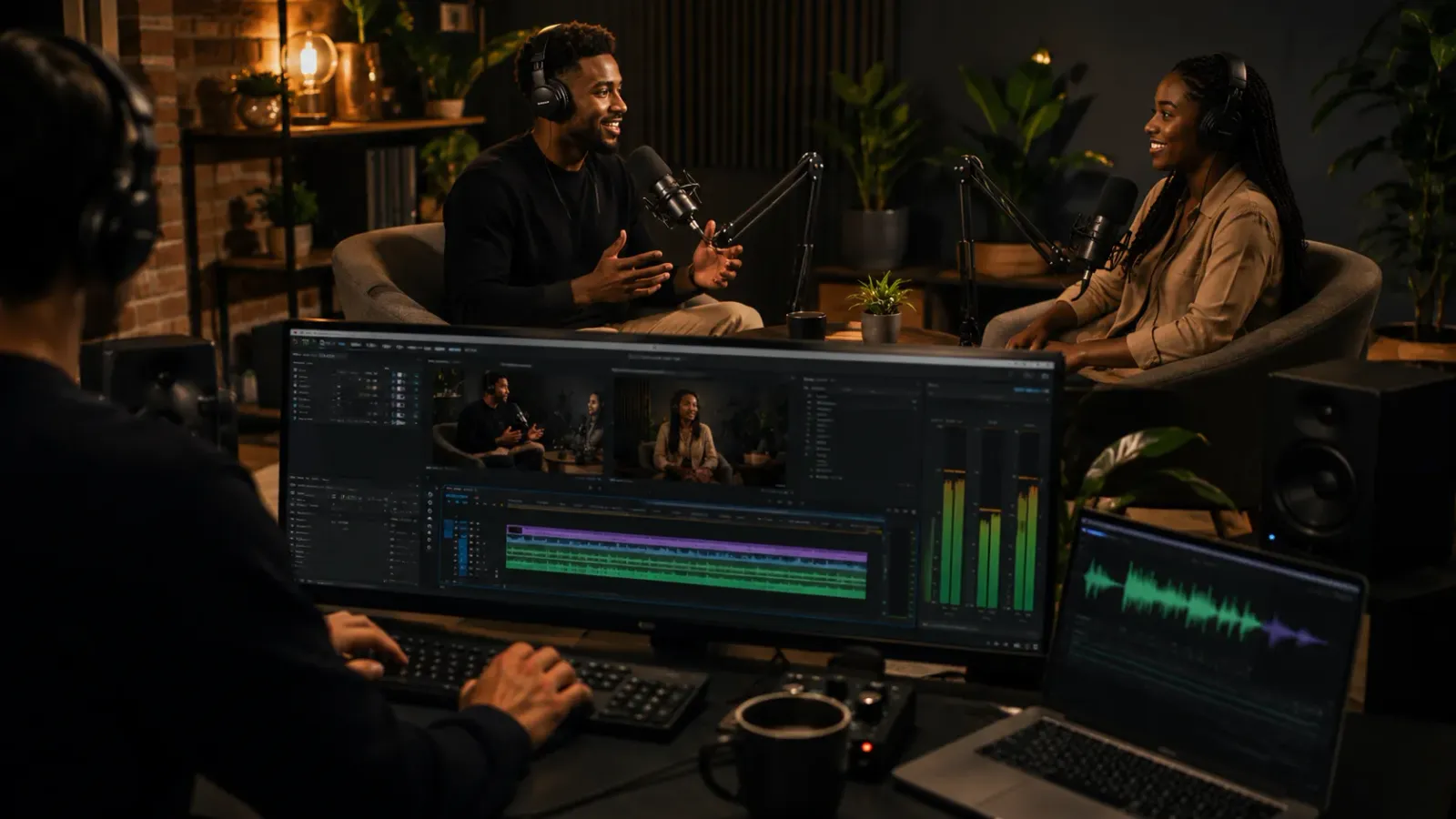
Most podcasters are leaving 80 percent of their content's value on the table. A single one-hour recording contains a full YouTube episode, ten short-form clips for Reels and Shorts, audiograms for LinkedIn and Twitter, and captions that make every format watchable without sound. This guide covers the editing workflow that extracts all of it from a single recording session.
What Is Podcast Video Editing? Podcast video editing is the process of transforming a single recorded podcast session into multiple video deliverables: a full-length YouTube episode, short-form clips for Instagram Reels and YouTube Shorts, audiogram graphics for LinkedIn and Twitter, and captioned versions for silent viewing across all platforms. Each format requires separate editing decisions, but all originate from the same source recording.
Key Takeaways:
One Recording, Multiple Formats: A 60-minute podcast session contains a YouTube episode, 8 to 12 short-form clips, and multiple audiograms. Most podcasters publish one and discard the rest.
Captions Are Not Optional: The majority of podcast video views happen with sound off. Burned-in captions are essential for retention across every format and platform.
The Workflow Is the Asset: A documented editing workflow that extracts all formats from each recording session is what separates a consistent content presence from one that depends on bursts of manual effort.
The Podcast Video Opportunity Most Shows Are Missing
Podcast audiences are growing across every platform, but the fastest growth is happening in video. YouTube has become the dominant discovery platform for new podcast listeners, and short-form clips from podcast episodes now represent some of the highest-performing organic content on Instagram Reels, YouTube Shorts, and LinkedIn.
Despite this, the majority of podcasters are still publishing audio only, or uploading a single static video to YouTube and calling it done. The brands and creators seeing real audience growth from their podcasts are treating each recording session as a multi-format production event, not a single audio file.
The gap between those two approaches is almost entirely in the post-production workflow. The source material is identical. What differs is the editing process applied to it afterward.
Chapter 1: The Four Formats a Single Podcast Session Produces
1. The Full YouTube Episode
This is the anchor deliverable. A full-length YouTube upload of the edited podcast session, typically 30 to 90 minutes, gives your existing audience and new YouTube searchers a complete experience. YouTube-specific editing considerations include:
● A clean intro that establishes the guest or topic within the first 60 seconds
● Removal of long pauses, filler words, and technical interruptions
● Lower-thirds identifying the host and guest whenever a speaker first appears or returns after a long absence
● Chapter markers added in the description or as timestamps to improve navigation and watch time
● Burned-in captions throughout
2. Short-Form Clips for Reels and Shorts
A 60-minute conversation typically contains 8 to 15 moments that work as standalone 60 to 90-second clips: a counterintuitive claim, a surprising data point, a punchy story, a quotable insight. These moments do not need to be planned in advance. A skilled editor can identify and extract them in post-production.
Short-form podcast clips need different editing treatment than the full episode. Cuts are faster, the frame is usually recomposed to vertical (9:16) or square (1:1), dynamic captions are added in a larger font, and a hook card with the clip's key point appears in the first two seconds. For format-specific editing rules across platforms, see our guide Shorts vs TikTok vs Reels: Editing Choices That Matter.
3. Audiograms for LinkedIn and Twitter
An audiogram is a short video, typically 30 to 60 seconds, combining an audio waveform animation, a static or looping image of the host and guest, and a highlighted quote from the episode. Audiograms perform exceptionally well on LinkedIn, where video content consistently outperforms text posts in reach, and on Twitter where they stand out against static images in the feed.
From a production standpoint, audiograms require choosing the right 30-second clip, cleaning the audio, designing a simple branded graphic frame, and animating the waveform. A good editing workflow produces four to six audiograms from each episode in the same production pass as the short-form clips.
4. The Captioned Landscape Version for Facebook and LinkedIn Video
For platforms where horizontal video still performs well, particularly Facebook and LinkedIn native video, a landscape (16:9) version of the full episode with burned-in captions serves a different audience segment than the vertical short-form clips. This version can be the full episode or a condensed 10 to 15 minute highlight edit, depending on the platform's typical content length.
On the importance of captions across every format, see our data piece Captions vs. Subtitles: Engagement Impact Study, which covers the measurable engagement impact of captioned versus uncaptioned video content.
Chapter 2: The Podcast Editing Workflow That Makes This Sustainable
The reason most podcasters do not extract all four format types from each episode is not lack of content. It is lack of a repeatable workflow. Producing all formats manually from scratch each week is unsustainable for anyone running a show alongside other responsibilities.
A sustainable podcast video editing workflow has four stages:
Stage 1: Raw File Delivery
The raw recording, typically a multi-track audio file plus a video recording if the podcast is filmed, is uploaded to a shared folder or production portal. A standard brief accompanies it specifying the guest name, episode topic, any segments to cut (pre-show conversation, sponsor reads if not required), and any must-include moments the host flags.
Stage 2: Long-Form Edit
The full episode is edited first: filler words removed, long pauses tightened, technical issues corrected, lower-thirds added, chapters marked, captions applied. This edit forms the master timeline from which all other formats are derived.
Stage 3: Clip Extraction
From the master timeline, the editor identifies and extracts the 8 to 12 best short-form moments. Each clip is individually tightened, recomposed for vertical format, and captioned with dynamic text. Audiograms are produced in parallel from the strongest 30 to 60-second quotes.
Stage 4: Delivery and Publishing
All deliverables are organized and uploaded to the production portal or delivery folder: full YouTube file, individual clip files labeled by platform, audiogram files, and a suggested publishing schedule with captions and descriptions for each piece of content. For automating the upload and delivery step, see our guide on Set It and Forget It: Automating Video Uploads.
Chapter 3: Podcast Video Editing as a Repurposing System
The podcast episode is not the content. It is the source material. This distinction matters because it changes how you think about production investment. Recording one 60-minute conversation is not producing one piece of content. It is producing the raw material for 20 to 30 pieces of content across YouTube, Reels, Shorts, LinkedIn, Twitter, and email newsletters.
This is exactly the same logic applied in our broader repurposing guide Repurposing Zoom Calls: Turn 1 Hour into 1 Month of Content. A podcast recording is simply the highest-quality version of the same long-form conversation asset, pre-built for multi-format extraction.
For coaches, consultants, and high-ticket educators managing a content operation alongside client delivery, this system is the foundation of a sustainable content presence without burnout. For more on building that system holistically, see The No-Burnout Content Workflow for High-Ticket Coaches.
Frequently Asked Questions
Q: What is podcast video editing?
A: Podcast video editing is the process of taking a recorded podcast session and producing multiple video deliverables from it: a full-length YouTube episode, short-form clips for Reels and Shorts, audiogram graphics for LinkedIn and Twitter, and captions for silent viewing. Each format requires separate editing decisions even though the source material is the same.
Q: How long does it take to edit a podcast video episode?
A: A full-length podcast episode typically takes 3 to 6 hours to edit for a skilled editor working from a clean brief. With a dedicated editing service and a standard workflow, turnaround from upload to delivery can be as fast as 12 to 24 hours for a 60-minute episode.
Q: What is an audiogram and how is it used?
A: An audiogram is a short video clip, typically 30 to 60 seconds, that combines a waveform animation, a static or looping image of the host, and a highlighted quote from the episode. It is designed for sharing on LinkedIn and Twitter where video performs better than a text post but a full episode clip would be too long.
Q: Do podcast videos need captions?
A: Yes. Most podcast video views on YouTube and social platforms happen with sound off or in noisy environments. Burned-in captions significantly improve watch time and retention, and for YouTube specifically they contribute to search indexing of spoken content within the video.
Ready to turn every episode into a full month of content? Editing Machine handles the full podcast video editing workflow: long-form YouTube edit, short-form clips, audiograms, and captions, all delivered from a single upload. Start Creating Now.
More from the Blog
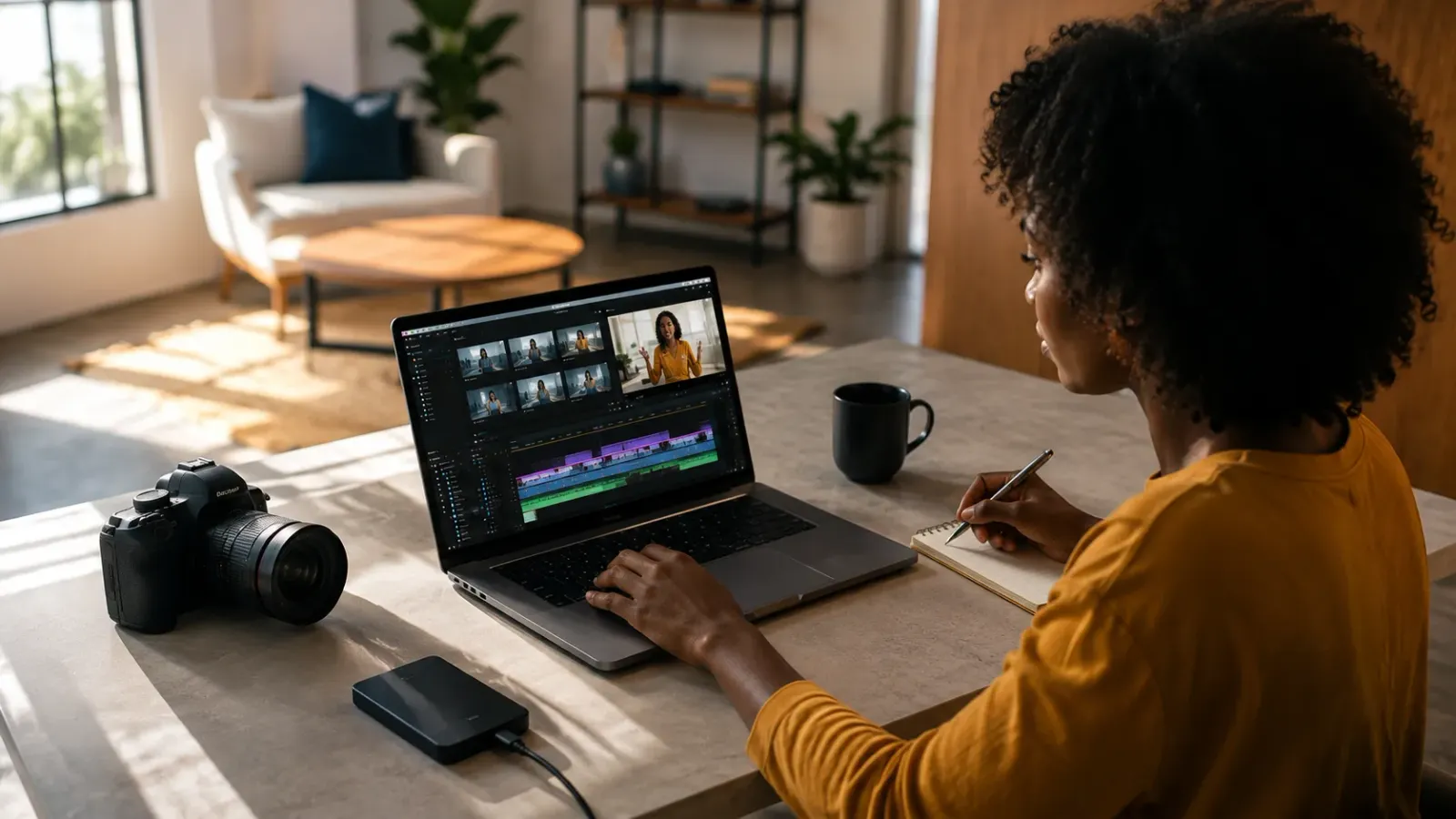
Video Content Repurposing: The 10x Multiplier Framework
Most content creators treat repurposing as something they do when they have time, which means they almost never do it. The 10x Multiplier Framework treats it as the default production model: every recording session is planned with repurposing built in from the start, and every edited asset points toward the next format. This guide covers the full framework and the specific formats each recording type should produce.
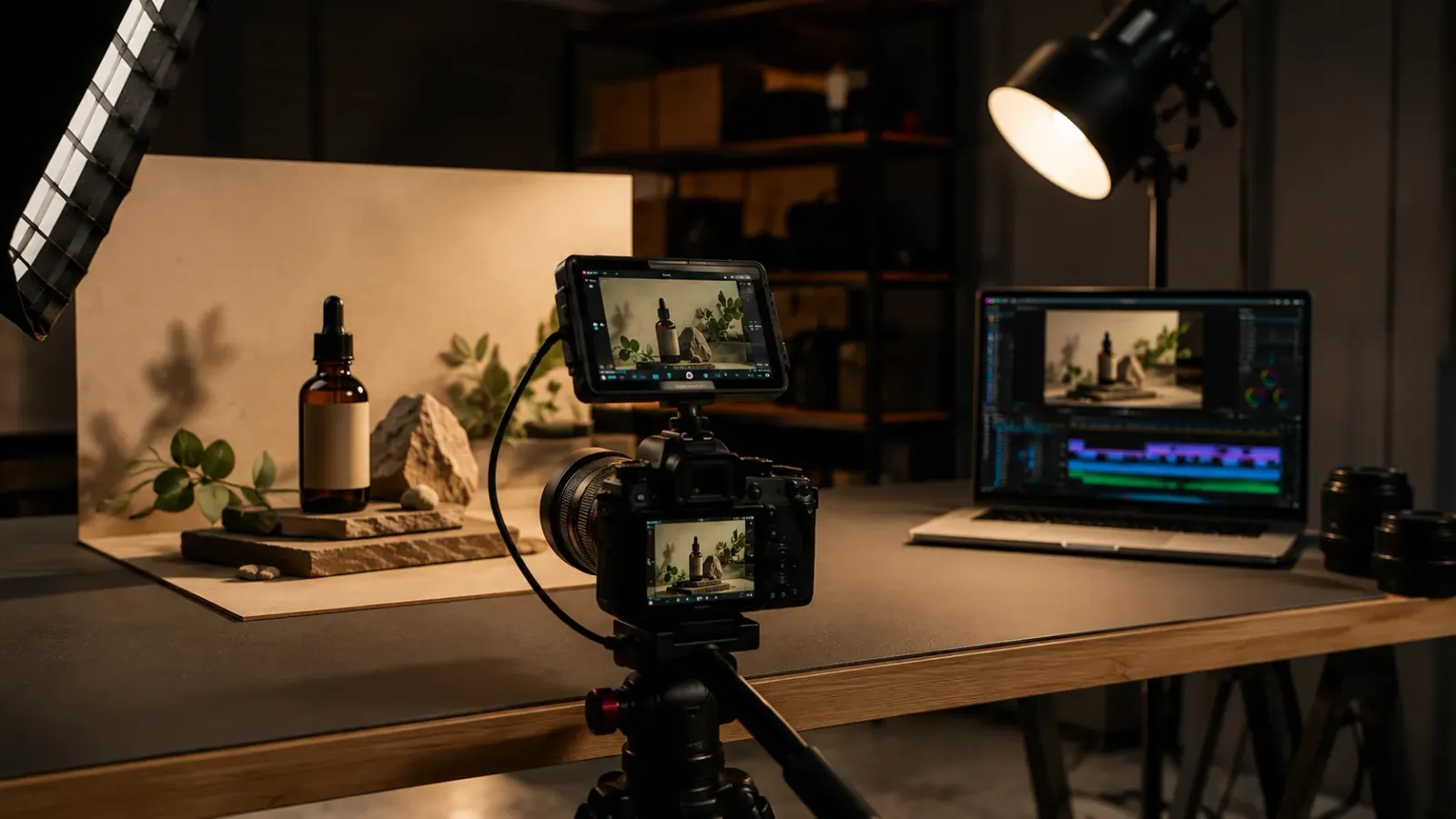
Shopify Product Video: The Editing Checklist That Lowers Bounce Rate
Adding a video to your Shopify product page is not the same as adding a video that lowers bounce rate and increases conversion. Most product videos on Shopify are too long, start too slowly, and are not optimized for silent autoplay on mobile. This editing checklist covers every decision that separates a product video that converts from one that gets scrolled past.
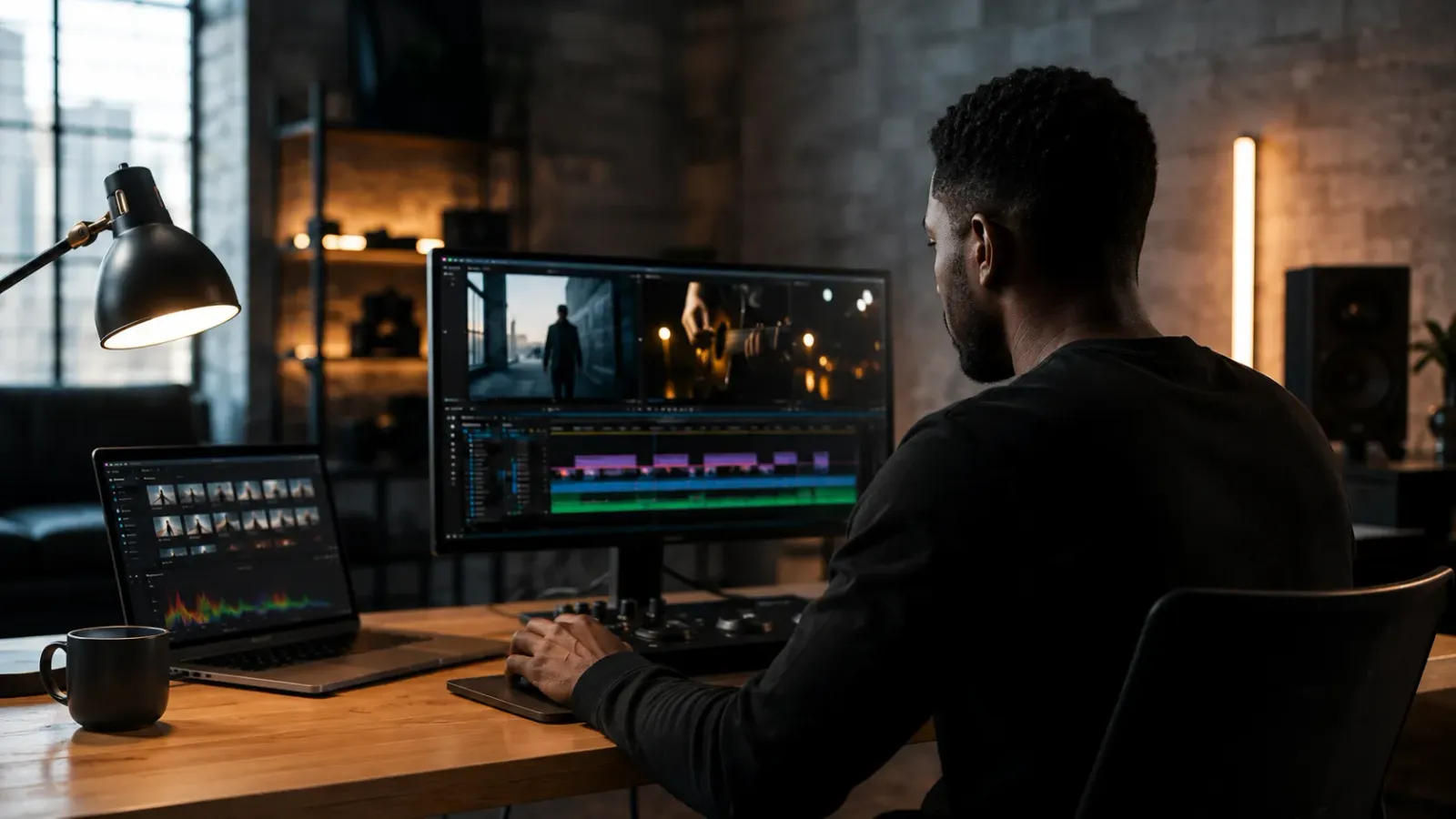
Dedicated Video Editor Service: When a Subscription Beats a Full-Time Hire
Most businesses that are considering hiring a full-time video editor have not run the real numbers. When you include benefits, equipment, software licenses, desk space, and management overhead, a full-time junior editor in the US costs $65,000 to $80,000 per year in total. This guide runs the full cost comparison and identifies the output threshold at which a subscription service wins on economics.
See if Editing Machine is the right fit for your content.
Take 90 seconds to tell us about your goals, content style, and volume. We'll show you which setup fits and exactly where to start.