Event Recap Video Editing: Turning Conferences into Year-Round Content
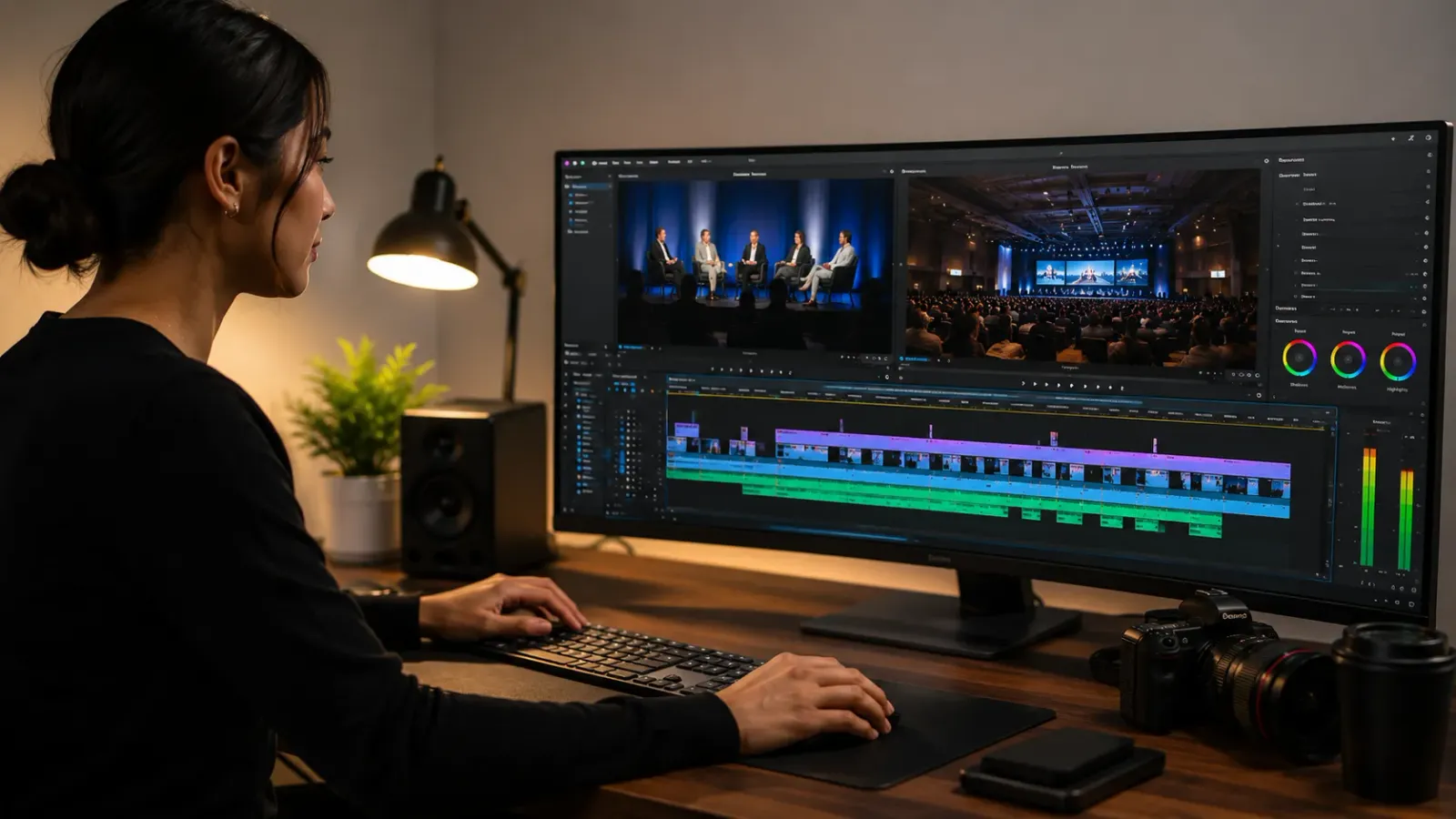
Most brands walk away from a conference or summit with terabytes of footage and publish one generic recap video. The same event should produce a main highlight reel, individual speaker clips for social, behind-the-scenes content for Stories, full keynote recordings for YouTube, and audiograms for LinkedIn. This guide covers the editing workflow that extracts all of it efficiently.
Event Recap Video Editing: Turning Conferences into Year-Round Content
What Does Event Recap Video Editing Involve? Event recap video editing is the process of transforming raw footage from a conference, summit, workshop, or brand event into a structured set of video assets: a main highlight reel for general sharing, individual speaker or keynote clips for social media, behind-the-scenes content for Stories and Reels, full session recordings for YouTube, and audio-led clips for LinkedIn and podcast audiences. Each format serves a different channel and a different stage of the post-event marketing window.
Key Takeaways:
One Event, Five Asset Types: A single day of filming should produce enough edited content to sustain a posting schedule for four to six weeks after the event.
Speed Matters: The main highlight reel and social clips should publish within 24 to 48 hours while the event is still trending and attendees are still sharing organically.
The Evergreen Layer: Full keynote recordings and long-form session content become permanent reference material that drives search traffic long after the event itself is forgotten.
The Event Content Gap Most Brands Leave on the Table
A well-produced conference or summit represents one of the highest-density content production opportunities a brand can create. In a single day of filming, a skilled videographer captures hours of keynote presentations, panel discussions, audience reactions, networking moments, product demonstrations, and speaker interviews. This is more raw material than most brands produce in an entire quarter.
Most brands publish one video from all of it. A 3-minute highlight reel, usually posted four to seven days after the event, after the organic sharing momentum has already peaked. The rest of the footage sits on a hard drive.
The editing workflow that extracts the full content value from event footage is not more complicated than producing a single recap video. It is more organized. The difference is having a clear asset map before editing begins, knowing exactly which deliverables will be produced from which parts of the footage.
Chapter 1: The Five Asset Types Every Event Should Produce
1. The Main Highlight Reel (2 to 4 Minutes)
This is the flagship deliverable. A well-edited highlight reel captures the energy, the key moments, and the narrative arc of the event in a format that is shareable across email, social media, and the event's landing page. It functions as promotional material for future editions of the same event and as social proof for the brand behind it.
Editing priorities for the highlight reel: open with the most visually compelling moment from the entire day, not chronologically, cut on the beat of the music, alternate between wide establishing shots and tight speaker and audience close-ups, include at least two or three brief quotes from speakers or attendees that communicate the event's value, and close on a forward-looking note (a date announcement for the next edition, a CTA for the recording, or a brand statement).
2. Individual Speaker and Keynote Clips (60 to 90 Seconds Each)
Every speaker at a conference delivered at least one quotable, shareable insight. Extracting these as individual 60 to 90-second clips and sharing them across the following two to four weeks creates a sustained content presence from a single filming day.
Speaker clips perform particularly well on LinkedIn, where professional audiences engage with industry-specific insight from named experts. The clip should open with the most compelling sentence of the extract, include the speaker's name and title as a lower-third, and close with the event branding. Burned-in captions are essential since LinkedIn autoplay is sound-off by default.
3. Behind-the-Scenes Content (15 to 30 Seconds)
Candid behind-the-scenes footage, hallway conversations, networking moments, setup and breakdown, and the energy between formal sessions, performs well in Stories and Reels formats for brands that want to humanize the event and build community around it. This content is often easier to produce than the polished highlight reel because it does not require precise editing: short, authentic, and fast-moving is the standard.
4. Full Keynote or Session Recordings for YouTube
Full-length session recordings uploaded to YouTube become permanent, searchable reference material that drives organic traffic long after the event is over. A 45-minute keynote by an industry expert on a specific topic will rank in YouTube and Google search for years if it is properly titled, described, and tagged.
Full session recordings require different editing treatment than highlight content: the priority is clean audio, tight pacing that removes dead air without compromising the natural delivery, clear lower-thirds for the speaker, and chapter markers in the description to allow navigation. For the full framework on turning this kind of long-form session content into a sustainable traffic asset, see our guide on Webinar to YouTube: The Evergreen Traffic Engine.
5. Audiograms and Quote Cards for LinkedIn and Podcasts
The most quotable 30 to 60-second extracts from speaker sessions become audiograms, short video clips with a waveform animation and highlighted quote text, designed for LinkedIn sharing and podcast audience cross-promotion. These require minimal production time relative to the engagement they generate and are particularly effective when shared by the speakers themselves as personal brand content from the event.
The same event footage that produces audiograms for LinkedIn can be reformatted into a podcast episode if the audio quality is strong enough. For the workflow that takes long-form recorded content and extracts the full range of repurposable assets from it, see our guide on Repurposing Zoom Calls: Turn 1 Hour into 1 Month of Content.
Chapter 2: The Post-Event Content Calendar
The timing of content publication after an event is as important as the editing quality. A structured post-event publishing schedule maximizes the organic sharing window while building a sustained content presence over the following weeks:
Timeline | Content Type | Channel | Goal |
Within 24 hours | Behind-the-scenes Stories content | Instagram, LinkedIn | Capture live momentum |
24 to 48 hours | Main highlight reel | All channels | Primary social proof asset |
Day 3 to Day 7 | Individual speaker clips (1 per day) | LinkedIn, Instagram Reels | Sustain the conversation |
Day 5 to Day 10 | Full keynote recordings | YouTube | Evergreen search traffic |
Week 2 to Week 4 | Audiograms and quote cards | LinkedIn, Twitter | Ongoing thought leadership |
Ongoing | Repurposed clips from keynote recordings | Shorts, Reels, TikTok | Long-tail discovery |
Chapter 3: Building Event Video into a Repeatable System
Brands that run recurring events, whether annual conferences, quarterly summits, monthly workshops, or weekly webinars, get the most value from their event video investment when it operates as a documented, repeatable system rather than a one-off production scramble.
This means having a standard filming brief for the videographer, a standard asset map that defines exactly which deliverables will be produced from every event, and an editing partner with the Brand Profile already on file so that every event video looks and sounds like the same brand without a lengthy re-briefing process each time.
For coaches and consultants who run events as part of their business model, this system is the content engine described in our guide on The No-Burnout Content Workflow for High-Ticket Coaches. A single well-filmed event, processed through a documented editing workflow, can sustain a content presence for a full month without any additional filming sessions.
For the broader framework of turning any recorded live session into evergreen content assets, see From Live to Evergreen: The Webinar to Video Pipeline. And for building the production system that allows a growing content operation to maintain quality at scale, see How to Scale Video Production from 1 to 3 Videos a Week.
Frequently Asked Questions
Q: What is an event recap video?
A: An event recap video is a short edited highlight reel, typically 2 to 5 minutes, that captures the key moments and energy of a conference, summit, or brand event. It is shared after the event to extend reach to audiences who did not attend and to serve as promotional material for future editions.
Q: How long should an event recap video be?
A: The main highlight reel should be 2 to 4 minutes for general audience sharing. Individual speaker clips for social media should be 60 to 90 seconds. Behind-the-scenes content for Stories or Reels should be 15 to 30 seconds. Full keynote recordings for YouTube can run the full original length.
Q: How quickly should an event recap video be published after the event?
A: Within 24 to 48 hours for social media clips and the main highlight reel. Publishing quickly while the event is still trending captures organic sharing momentum. Full edited keynote recordings can follow within 3 to 5 days.
Q: What footage should be captured at an event for the best video recap?
A: Capture wide establishing shots of the full room, close-up shots of speakers, audience reaction shots, candid networking moments, any demonstration or reveal moments, and brief attendee soundbites immediately after sessions. Variety in angle and energy level makes editing significantly easier.
Running an event? Get the full content library, not just a recap. Editing Machine produces highlight reels, speaker clips, keynote recordings, and audiograms from a single event filming session, delivered fast enough to publish while the momentum is still live. Start Creating Now.
More from the Blog
Video Content Repurposing: The 10x Multiplier Framework
Most content creators treat repurposing as something they do when they have time, which means they almost never do it. The 10x Multiplier Framework treats it as the default production model: every recording session is planned with repurposing built in from the start, and every edited asset points toward the next format. This guide covers the full framework and the specific formats each recording type should produce.
Shopify Product Video: The Editing Checklist That Lowers Bounce Rate
Adding a video to your Shopify product page is not the same as adding a video that lowers bounce rate and increases conversion. Most product videos on Shopify are too long, start too slowly, and are not optimized for silent autoplay on mobile. This editing checklist covers every decision that separates a product video that converts from one that gets scrolled past.
Dedicated Video Editor Service: When a Subscription Beats a Full-Time Hire
Most businesses that are considering hiring a full-time video editor have not run the real numbers. When you include benefits, equipment, software licenses, desk space, and management overhead, a full-time junior editor in the US costs $65,000 to $80,000 per year in total. This guide runs the full cost comparison and identifies the output threshold at which a subscription service wins on economics.
See if Editing Machine is the right fit for your content.
Take 90 seconds to tell us about your goals, content style, and volume. We'll show you which setup fits and exactly where to start.