Who Owns Your Video Project Files? The Source File Manifesto
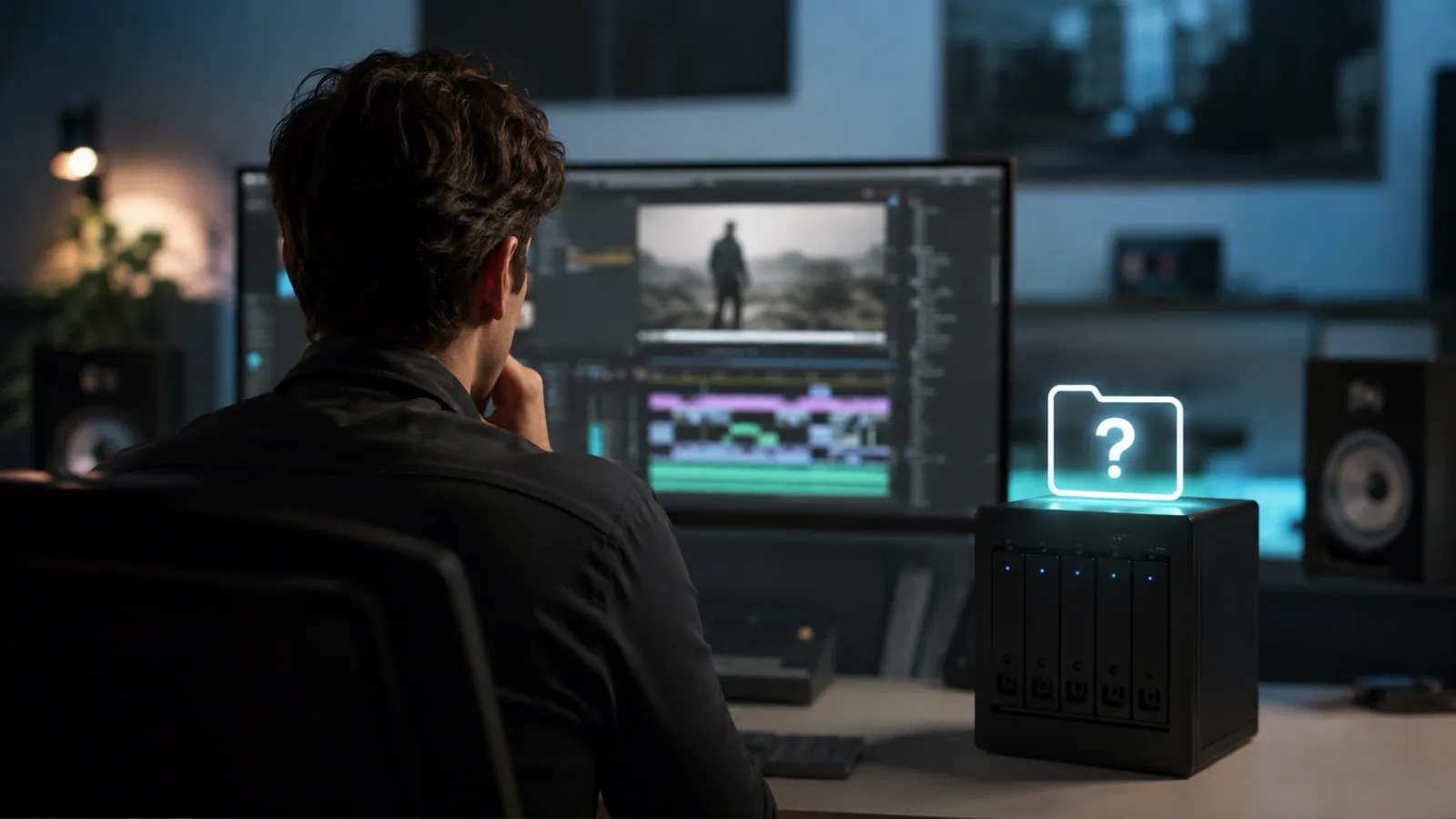
If your video editing service retains your Premiere Pro or DaVinci project files, switching providers means starting your entire production history from scratch. This article breaks down the three ownership models agencies use, what your contract should say, and why this single clause determines how much leverage you actually have over your own content.
What Are Video Project Files? Video project files, also called source files, are the raw edit packages created in software like Adobe Premiere Pro or DaVinci Resolve. They contain every edit decision, color grade, audio mix, and timeline sequence made by your editor. Unlike the exported MP4 you publish, the project file is the living document of your edit. Whoever holds it controls your entire production history.
Key Takeaways:
Ownership Matters: If your editing agency retains your Premiere Pro project files, you cannot make any future change without going back to them, even for a simple text correction.
Industry Practice Varies: Some agencies treat project files as proprietary assets. Others deliver them as standard. Always clarify ownership terms in writing before you start.
The Hostage Scenario Is Real: Creators who switch services without owning their project files must rebuild every video from scratch. That is months of work lost.
The Conversation Nobody Has Before It Is Too Late
You find an editing service you like. The first few videos come back great. You start uploading consistently and your channel begins to grow. Then, six months in, something changes: the quality slips, communication slows, or the pricing increases beyond what you planned.
You decide to switch services. And then you ask the question you should have asked on day one: "Can you send me the project files?"
What happens next depends on a decision made before the relationship started: a decision about who owns the Premiere Pro or DaVinci Resolve project file that contains every edit ever made on your behalf.
What a Video Project File Actually Contains
Most creators think of their finished video as the deliverable. But the exported MP4 is just a photograph of the edit. The actual edit lives inside the project file.
A Premiere Pro or DaVinci project file contains:
● Every cut, trim, and timeline sequence
● All color grade settings and LUT applications
● Audio mix levels, EQ settings, and sound design elements
● Motion graphics, lower-thirds, and title templates
● Linked raw footage references
● Version history and revision notes
Without this file, making any change to a finished video means starting the edit again from raw footage. Changing a lower-third. Updating a call to action. Correcting a caption. Swapping out a music track after a copyright claim. Every one of these tasks becomes a full project rather than a five-minute fix.
Understanding the technical structure of your edit is also directly connected to your ability to grow. For creators focused on Algorithmic Pacing and Average View Duration, the project file is where that pacing data lives. Without it, you cannot replicate what is working.
The Three Ways Agencies Handle Project File Ownership
Model 1: Agency Retains All Files
Some agencies treat project files as their own intellectual property. Their argument is that the editing methodology, templates, and workflow systems they use are proprietary. The client receives only the exported video.
This model creates a captive relationship. Switching services means losing the entire production history of your channel. Every template, every established color grade, every branded lower-third must be rebuilt from zero.
Model 2: Files Available on Request (Often at Extra Cost)
Some services provide project files but treat them as an add-on deliverable. You receive the exported video as standard. If you want the project file, you pay an additional fee per project or per month.
This model is more transparent but still treats your own creative history as a revenue line item. Read the contract carefully before assuming file access is included.
Model 3: Files Delivered as Standard
The most creator-first model includes project file delivery at baseline. Every completed project ships with both the exported video and the original project file. No extra fee, no request process, no dependency on the editing service to make future changes.
Why Most Unlimited Video Services Stay Silent on This
If you search for the project file policies of the major unlimited video editing services, you will find almost no public documentation. This silence is not accidental.
Services that retain project files benefit from the switching cost this creates. The harder it is to leave, the less pressure there is to maintain quality, pricing discipline, or communication standards. Your archive of project files becomes a retention mechanism rather than an asset you own.
The correct question to ask any service before you start is not "Can you edit my videos?" It is: "Who owns the project files when this project is complete, and can you put that in writing?"
What to Demand Before You Sign
Your editing service contract should explicitly address the following four areas.
File Ownership Clause
The contract should state in plain language that all project files, raw edit packages, and associated assets are owned by the client, not the editing service.
Delivery Format
Specify the format (.prproj for Premiere Pro, .drp for DaVinci Resolve), the folder organization structure, and the timeline for delivery relative to the completed export. A well-structured file handover should require no more than a single conversation to set up once.
Raw Footage Handling
Specify whether the editing service retains a copy of your raw footage for a defined period or whether all raw files are deleted after project completion. Understand where your footage lives during the editing process and for how long.
Exit Process
Define what happens if you end the engagement. How many days does the service have to deliver all project files? Who bears the cost of file transfer at scale? What format will the files be organized in at delivery?
Project Files and the Continuity of Your Channel Identity
For channels that have developed a recognizable look and feel over time, the project file is the record of that identity. For more on what that identity consists of and how to document it formally, see our guide on The Brand Bible Strategy: How to Lock In Consistency.
When you own your project files, a new editor can open your existing projects, match your established style, and continue from where the previous editor left off. This is the operational foundation that allows you to scale video production without restarting from zero every time your editing relationship changes.
What Happens When You Switch Without Your Files
● Every previous video cannot be updated without a full re-edit from raw footage
● Branded templates, lower-thirds, and motion graphics must be recreated from scratch
● Color grades that audiences recognize as your channel aesthetic must be reverse-engineered or abandoned
● Any footage that was edited and deleted from your drives is unrecoverable
For creators who have invested in building retention-focused editing styles over months of iteration, losing project files means losing that entire learning curve. The cost is measured not just in time but in audience trust built on a visual consistency that now has to start again from scratch.
Frequently Asked Questions
Q: Do I own my Premiere Pro project files if I pay an agency to edit my videos?
A: Only if your contract says so. Without an explicit ownership clause, project files default to the intellectual property of the editing service. Always verify file ownership terms in writing before the first project begins.
Q: What format are video project files delivered in?
A: Adobe Premiere Pro uses .prproj. DaVinci Resolve uses .drp. Final Cut Pro uses .fcpbundle. Specify in your contract which software your editor uses and the format in which files will be delivered.
Q: Can I switch video editors if I own my project files?
A: Yes. With project files in hand, a new editor can open your existing projects, match your established style, and continue from where the previous editor left off. Without them, every new editing relationship starts from zero.
Q: What should I do if my current editor refuses to provide project files?
A: Review your contract for any language about file ownership or deliverables. If the contract is silent, you have limited recourse. For all future engagements, negotiate file ownership before the first project and include it as a standard deliverable in the agreement.
Your content belongs to you. All of it. Editing Machine delivers finished videos and every project file as standard. No extra fees, no retention tactics, no dependency on us to make future changes. See how our system works and start your first project this week.
More from the Blog

Video Content Repurposing: The 10x Multiplier Framework
Most content creators treat repurposing as something they do when they have time, which means they almost never do it. The 10x Multiplier Framework treats it as the default production model: every recording session is planned with repurposing built in from the start, and every edited asset points toward the next format. This guide covers the full framework and the specific formats each recording type should produce.

Shopify Product Video: The Editing Checklist That Lowers Bounce Rate
Adding a video to your Shopify product page is not the same as adding a video that lowers bounce rate and increases conversion. Most product videos on Shopify are too long, start too slowly, and are not optimized for silent autoplay on mobile. This editing checklist covers every decision that separates a product video that converts from one that gets scrolled past.

Dedicated Video Editor Service: When a Subscription Beats a Full-Time Hire
Most businesses that are considering hiring a full-time video editor have not run the real numbers. When you include benefits, equipment, software licenses, desk space, and management overhead, a full-time junior editor in the US costs $65,000 to $80,000 per year in total. This guide runs the full cost comparison and identifies the output threshold at which a subscription service wins on economics.
See if Editing Machine is the right fit for your content.
Take 90 seconds to tell us about your goals, content style, and volume. We'll show you which setup fits and exactly where to start.